Related Product
Autocad
AutoCAD 2026 – including specialized toolsets AD Commercial New Single-user ELD Annual Subscription. AutoCAD – including specialized toolsets AD Commercial New Single-user…

Transforming sketches into reality is no longer a sophisticated process. With the introduction of CAD (Computer-Aided Design) software, artists can now build 3D models smoothly. Engineering and design are revolutionizing today’s evolving landscape. It is important for companies to choose the right design software so that they can build marvels. There are numerous CAD tools available in the market. Leading the charts is AutoCAD. Engineers, architects, and product designers have been leveraging AutoCAD for a prolonged period of time to turn their art into reality.
AutoCAD is developed by Autodesk. The makers understood that it is not necessary that every designer requires the same level of complexity. Due to this, they offered two major solutions to the professionals: AutoCAD and AutoCAD LT. They are of the same family, comprising almost similar features. What differentiates them is the scope and cost. In this article, we will look at the comprehensive comparison of AutoCAD and AutoCAD LT, focusing on which one you should buy in 2025.
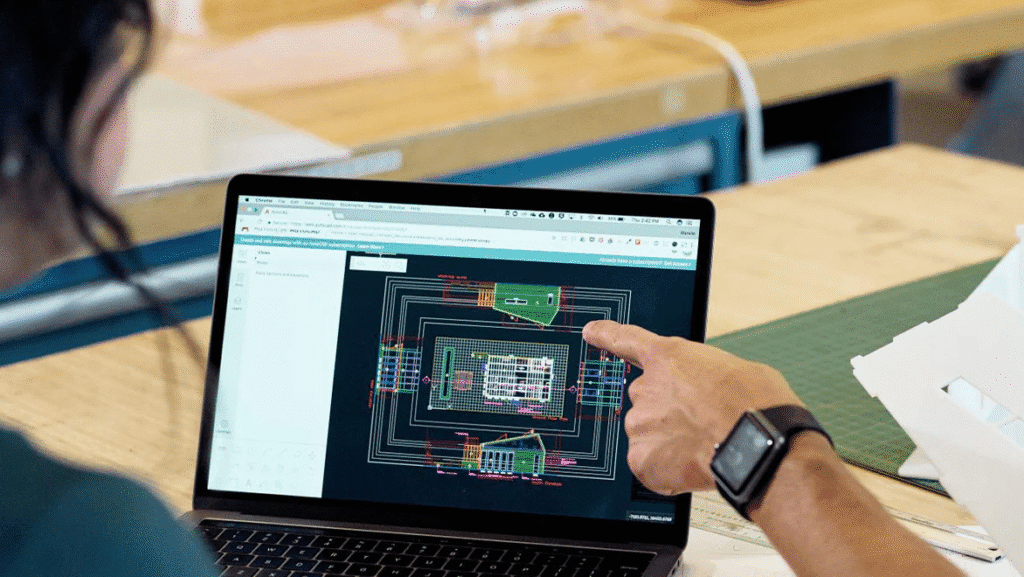
AutoCAD is a powerful CAD software, extensively utilized in various industries such as architecture, media, engineering, manufacturing, etc. It helps professionals to craft 2D drawings and 3D models. It also offers advanced tools for rendering and inducing photorealistic effects. It is compatible with a wide array of CAD formats and is collaborative in nature.
AutoCAD 2026 – including specialized toolsets AD Commercial New Single-user ELD Annual Subscription. AutoCAD – including specialized toolsets AD Commercial New Single-user…
AutoCAD LT is the lightweight version of AutoCAD. It is specifically designed for documentation and 2D modelling. It offers core drafting tools and is affordable in terms of pricing. AutoCAD LT software is suitable for companies not looking for 3D modelling capabilities. It has a simple interface that is well-suited for beginners. It doesn’t have rendering and simulation capabilities.
| Feature | AutoCAD | AutoCAD LT |
| 2D and 3D capabilities | Offers 2D as well as 3D modelling features. Provides advanced rendering features as well. | Confined to 2D modelling. Not suitable for advanced projects. |
| Automation and Flexibility | Utilizes AutoLISP and APIs to automate repetitive tasks. | It is limited to built-in features, doesn’t offer customization features. |
| Collaboration Capabilities | Offers collaboration through Sheet Set Manager. | Comprises of basic sharing tools. |
| Performance | Robust, but requires advanced resources for handling 3D models. | Lighter and faster, suitable for beginners. |
| Cost | Costly, due to advanced features. | Affordable pricing. |
| Use Case | Architecture, engineering and product designing. | Well suited for contractors and drafters. |
Choose AutoCAD LT if:
Pros of AutoCAD
Cons of AutoCAD
Pros of AutoCAD LT
Cons of AutoCAD LT
In today’s era, advancements are accelerating at a rapid pace. Professionals in industries such as engineering, architecture, jewellery design, and product design are bringing life to their designs with the help of 3D design software and various CAD software. An organization must choose robust software that caters to the needs of the organization. The ultimate choice is between AutoCAD and AutoCAD LT. Both software solutions offer core functionalities; the difference lies in their scope and cost.
If your company is working on large projects, requiring advanced 3 modelling and collaboration features, then AutoCAD is the best. It offers robust solutions and automates the tasks. It operates on the cloud and provides advanced rendering capabilities. It is well-suited for industries requiring fine detailing, such as architecture and engineering.
If you are an individual freelancer or a startup, where only 2D modelling and documentation are required, then AutoCAD LT is a feasible solution. It is affordable and lightweight. It offers core functionality but doesn’t provide advanced 3D capabilities. Although it provides basic collaboration features to its users.
Eventually, it is the sole choice of the organization to choose the best among them, which aligns with their requirements. It is also essential for organizations to stay updated with trends such as sustainability and AI-simulation to maintain competitiveness.






Software

Consultation

Guaranteed