Related Product
Windows 10 Pro GetGenuine
Buy Windows 10 Pro Get Genuine – WinPro 10 SNGL OLP NL Legalization GetGenuine is the product currently offered as part of…
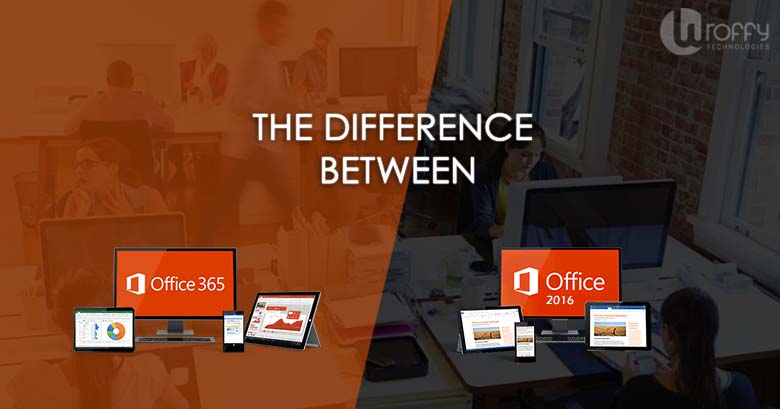
Looking for business productivity application but confused between Office 365 & Office 2016 ? Then this blog post will help you find the correct choice for your business. No doubt, understanding the difference between Office 2016 and Office 365 can be confusing. But, don’t worry we will make it simple for you to understand.
Office 365 is a cloud subscription based service to improve business productivity that ensures you always have the most up-to-date tools for your organization from Microsoft. There are different Office 365 plans for small and mid sized businesses, large enterprises, schools, and nonprofits.
Most of the Office 365 plans for business, schools, enterprise and nonprofits include the fully installed applications, but Microsoft also offers basic plans with the online versions of Office, file storage, and email. You choose whatever works best for your business: Small & Mid business, Enterprise, School, or Nonprofit.
Buy Windows 10 Pro Get Genuine – WinPro 10 SNGL OLP NL Legalization GetGenuine is the product currently offered as part of…
Office 2016 is sold as one-time purchase, which means you pay one time up-front cost to get all Office applications for one computer. One-time purchases are available for both PCs and Macs (such as Office Home & Student 2016 for Mac). But the main disadvantage is that one-time purchases don’t have an upgrade option, which means if you plan to upgrade to the next major release in future , you’ll have to buy it again at full price.
If you purchase Office 2016 as part of an Office 365 plan, you have a lot more options for plans and a lot more features.
All Office 365 plans include:
As you go higher in Office 365 plans, features you can get in addition to the above which includes:
Below are few things to consider when deciding which version of Microsoft Office 2016 or Office 365 is right for your business:
Look for the programs and features which are important for your objectives. If you just need the basic Office programs like Word, PowerPoint and Excel apps, either a stand-alone version or a lower level Microsoft Office 365 plan is good enough for you. If you’re looking for programs like SharePoint, you’ll need to subscribe Office 365.
If you need to access your information from multiple devices, Office 365 is the way to go. While files in Office 2016 can be saved to the cloud, Office 365 gives you a lot more options for access plus the ability to install Office on multiple machines. It also gives you the ability to access online versions of Office programs from ANY device with an internet connection.
Is it possible to upgrade your Office 2016 & Office 365 plan?
What can you afford to pay per user? Would you rather pay a large sum up front or a small monthly fee?
For more Information. kindly contact info@wroffy.com






Software

Consultation

Guaranteed